Formal Fonts in Canva (Best Free & Paid Picks for Professional Designs)
Your font choice tells the reader how serious your work is. Clean text makes your reports, resumes, and graphics easy to understand. To help you save time and stop guessing, we have selected the top formal fonts in Canva that work perfectly for any professional project.
Quick Answer
The best formal fonts in Canva are Montserrat, Open Sans, Lora, Poppins, Libre Baskerville, Playfair Display, Lato, and Merriweather. These fonts work well for resumes, presentations, proposals, invitations, websites, certificates, and business branding.
If you want to explore more Canva font and typography guides, these related articles may help:
- Best Serif Fonts on Canva
- Best Sans Serif Fonts on Canva
- Best Canva Fonts for Logos
- Canva Free vs Pro (Honest Comparison for 2026)
What Makes a Font Formal?
A strong formal font should:
- Look clean and professional
- Stay easy to read
- Have balanced spacing
- Match serious or premium designs
- Build trust quickly
If a font feels playful or distracting, it is not the right choice.
Best Formal Fonts in Canva
| Font Name | Best For | Style | Availability |
| Montserrat | Presentations | Modern Professional | Free |
| Open Sans | Reports, Body Text | Clear Neutral | Free |
| Lora | Elegant Documents | Classic Serif | Free |
| Poppins | Branding, Slides | Clean Modern | Free |
| Libre Baskerville | Print Designs | Traditional Serif | Free |
| Playfair Display | Invitations | Elegant Serif | Free |
| Lato | Resumes, Websites | Balanced Modern | Free |
| Merriweather | Long Reading | Professional Serif | Free |
| Premium Canva Fonts | Unique Styles | Varies | Canva Pro / Paid |
NOTE:Some font availability may depend on your Canva plan, region, account setup, or updates inside the Canva editor.
Best Fonts by Use Case
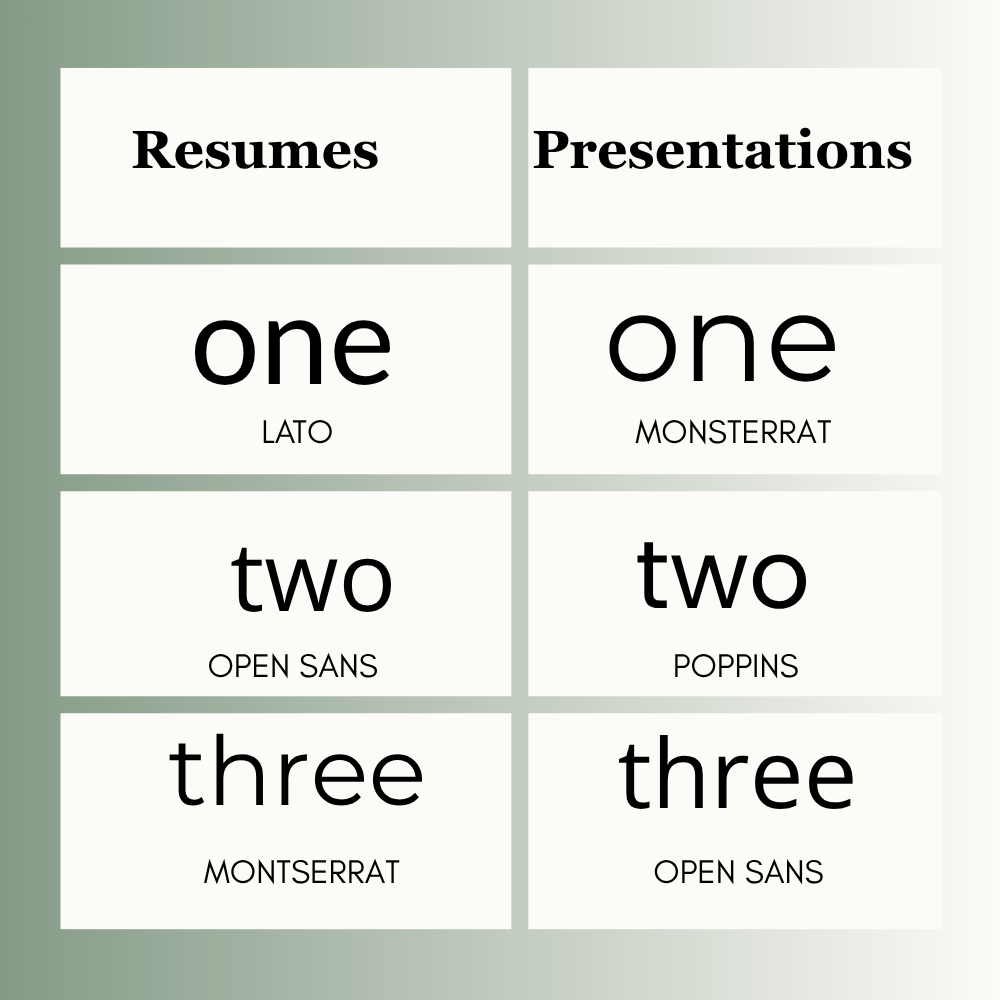
Resumes
- Lato
- Open Sans
- Montserrat
Clean and professional choices.
Presentations
- Montserrat
- Poppins
- Open Sans
Great for meetings, classes, and proposals.
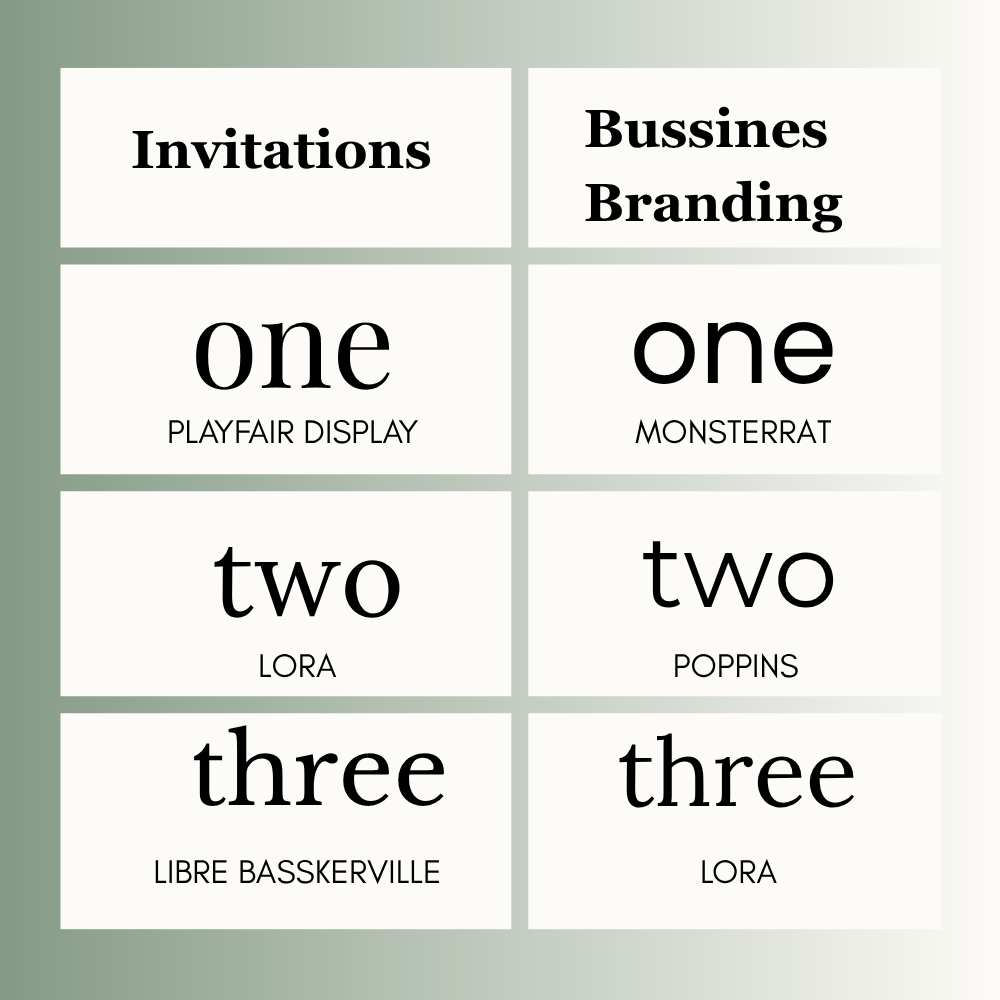
Invitations
- Playfair Display
- Lora
- Libre Baskerville
Ideal for weddings and premium events.
Business Branding
- Poppins
- Montserrat
- Lora
Useful for logos, graphics, and brand kits.
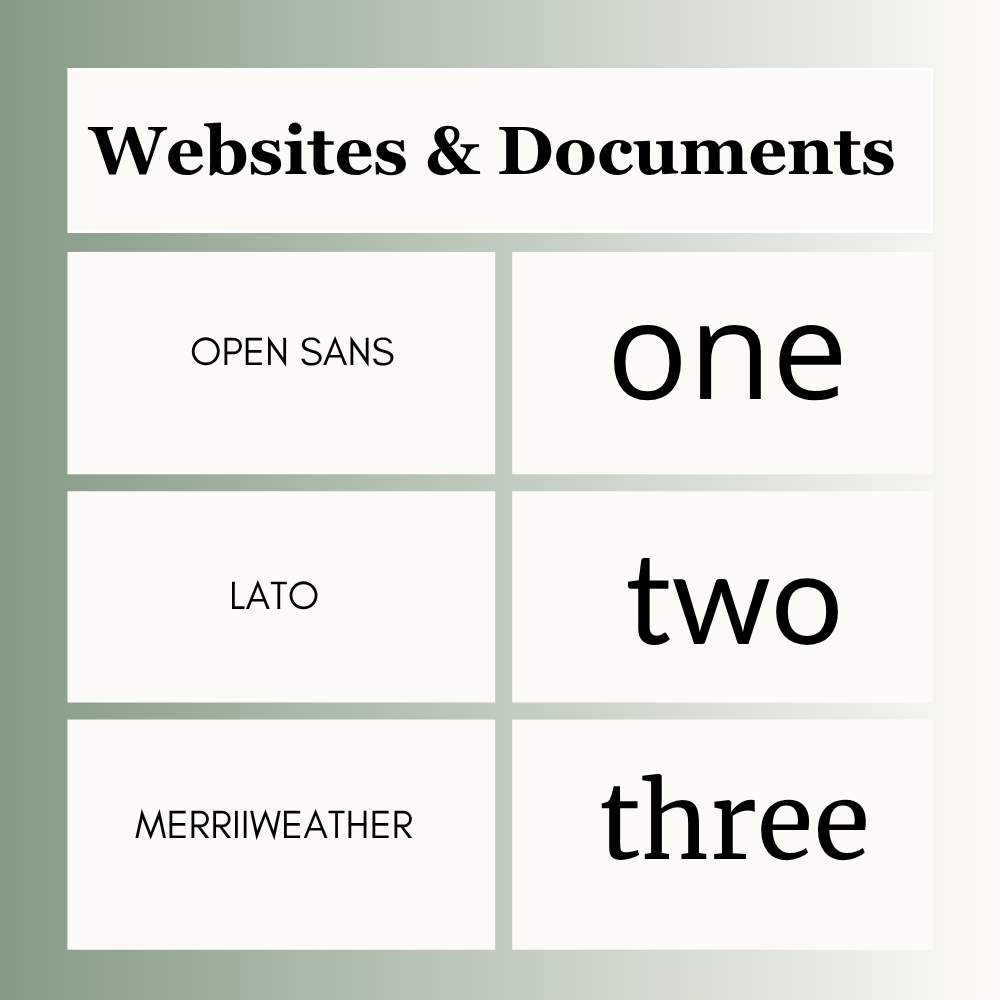
Websites & Documents
- Open Sans
- Lato
- Merriweather
Strong for websites, reports, proposals, and policies.
Free vs Paid Canva Fonts
If you use Canva Free, you already have many strong options such as Montserrat, Open Sans, Lora, Poppins, and Lato.
If you use Canva Pro, you may get extra fonts and more style options depending on your account.
Best Canva Font Pairings
Use one heading font and one body font.If you want more ideas, explore these best Canva font pairings for different design styles and projects.
- Playfair Display + Open Sans
- Montserrat + Lato
- Lora + Poppins
- Libre Baskerville + Open Sans
This keeps the design polished and balanced.
How to Choose the Right Formal Font
1. Check the Purpose
Resume, website, invitation, proposal, or presentation?
2. Think About Audience
Corporate clients need a different style than wedding guests.
3. Test Readability
Can someone read it quickly?
4. Keep It Simple
Use one heading font and one body font.
5. Stay Consistent
Use the same style across the full design.
Common Mistakes to Avoid
- Using playful fonts in formal designs
- Choosing hard-to-read styles
- Using too many fonts
- Making text too small
- Ignoring spacing
- Picking style over clarity
Frequently Asked Questions
Montserrat, Open Sans, Lora, and Lato are popular choices.
Lato, Open Sans, and Montserrat are strong options.
Playfair Display, Lora, and Libre Baskerville look elegant.
Yes. Many free Canva fonts work very well for professional designs.
Use two fonts in most designs. One for headings and one for body text.
Not always. Free fonts often perform very well. Paid fonts may offer more variety.
Final Thoughts
Different Canva projects need different fonts. Here is a look at them:
- Reports, Proposals, and Websites: Use Lato or Open Sans. They look neat and are easy to read.
- Slides and Headings: Go for Montserrat. It looks bold and clean, so people can read it from far away.
- Premium Branding: Choose Playfair Display or Lora. They make your design look elegant and classy.
Messy layouts and many font styles look unprofessional. Stick to your same fonts throughout the project, leave some space between lines, and check your text before sharing.

I’m Faraz, the founder and lead content strategist at The Vistly. With a background in digital marketing, I lead content and design strategy for the site, working alongside a small team of designers to create practical Canva tutorials, font pairings, and design resources for creators, small businesses, and marketers around the world. My goal with The Vistly is to make professional-quality design accessible to anyone, no design degree required.